Meet Relay. Source alpha is here.

THE OPEN-SOURCE ALTERNATIVE TO LOOM

A little less meeting.
A little more showing.

Record a walkthrough. Make your point. Share it with your team.
Keep the videos—and the workspace—on your own infrastructure.

Free to self-host AGPL-3.0-only Native macOS recorder

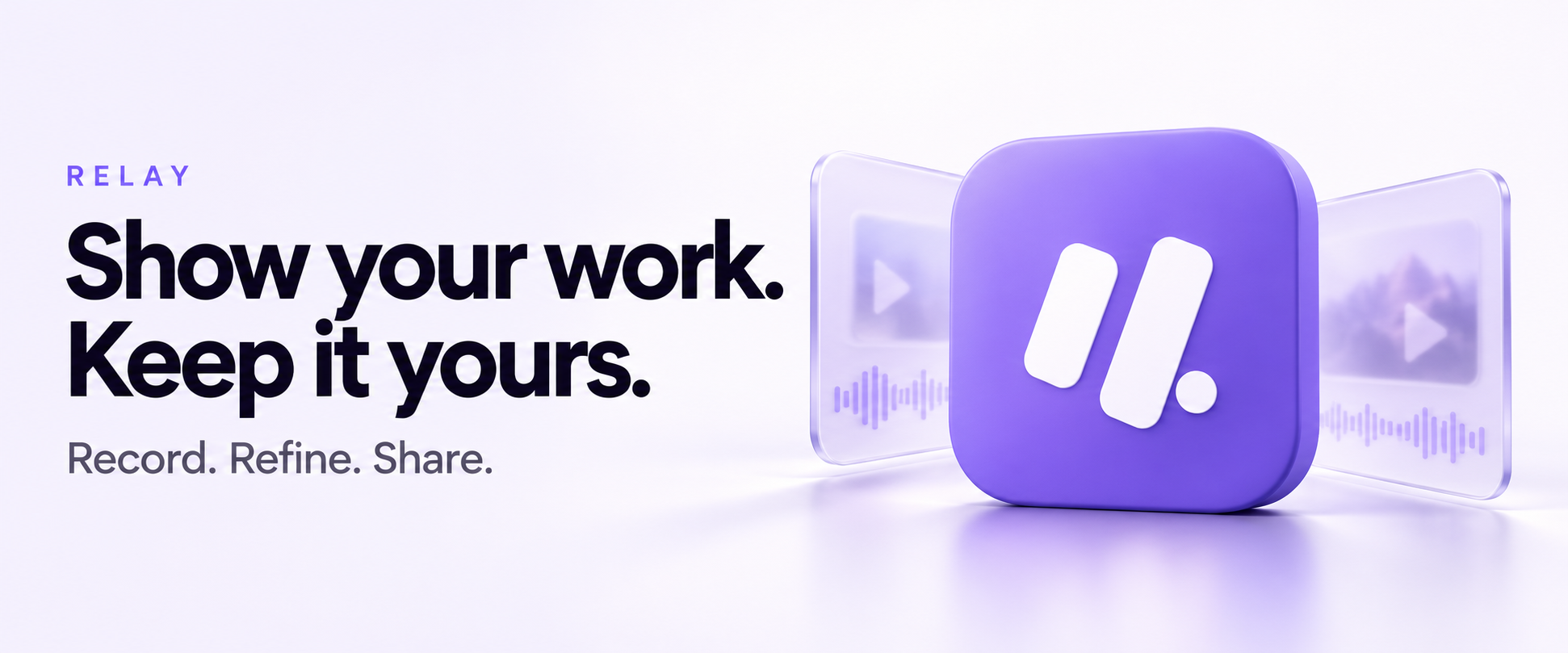
Show your work. Keep it yours. Relay's purple icon with glass-like video and audio frames.
Made for the things that are easier to show.Bug reports. Walkthroughs. Team updates.

Native where it matters.A Swift recorder built for your Mac.

Your workspace. Your server.Host your originals and transcripts.

Open from the start.Read the code. Make it your own.

FROM “LET ME SHOW YOU” TO “GOT IT.”

One thought.
A clearer way to share it.

From the first take to the last comment, keep the whole conversation together.

01 / CAPTURE

Show the thing.
In your own way.

Record your screen, a window, a region, or your camera. Add a camera bubble for a personal touch.

Screen Window Camera

Local originals. Offline recording. Resumable uploads.

02 / REFINE

Keep the good parts.
Keep the original, too.

Trim, split, and stitch clips. Add captions and overlays. Publish a new revision without overwriting your source.

Private transcripts. Optional AI summaries and drafts.

YOUR WORK DESERVES A HOME YOU CONTROL.

Your videos.
Your infrastructure.
Your call.

Relay brings the recorder and the workspace together. You decide where the server runs and which providers it uses.

Read the self-hosting guide
01

Private transcription comes standard.

Run Parakeet on your Mac or self-hosted server. Recording, playback, editing, and private transcription need no cloud AI account.

02

Cloud services are your choice.

Explicitly select external speech providers or configure AI for summaries, chapters, and workflow drafts. Provider charges may apply.

03

Self-hosting means owning the operation.

You manage storage, HTTPS, email, updates, and backups. Start locally, then follow the deployment guide for public hosting.

BRING YOUR OWN INFRASTRUCTURE.

Your first Relay
workspace starts here.

Launch the server locally, create your owner account, and upload a video. Build the native recorder when you're ready.

Read the full quick start Build the Mac recorder
Terminal
git clone https://github.com/RudreshNarwal/relay-recorder.git
cd relay-recorder
pnpm startup

ServerNode.js 24+ · pnpm 10.15.0 · Docker Compose 2.24.4+

Start with4 CPU cores · 8 GB RAM · room for your recordings

Mac recorderApple Silicon · macOS 15+ · Swift 6.2+ and macOS SDK

First server transcription startup downloads approximately 1 GB of models. Open localhost:3110 after setup.

BUILT IN THE OPEN. BETTER TOGETHER.

A good first issue.
A better shared tool.

You don't need an invitation to contribute. Try the setup, improve a guide, report a bug, or help make the next release better.

THE COMMUNITY CORE

Open source.
Free to self-host.

Relay is licensed under AGPL-3.0-only. Use it, inspect it, and improve it—even commercially—under the license terms.

Read the license

A FEW THINGS WORTH KNOWING.

Before you
press record.

How is Relay an alternative to Loom?

Relay covers the record, edit, and share workflow with a native Mac recorder and a self-hosted web workspace. It's for teams that want to operate their own video infrastructure. Relay is an early source alpha; it does not promise feature parity with Loom.

Is Relay free?

The current core is free to self-host under AGPL-3.0-only. You pay for your own infrastructure and any external providers you choose. No paid Relay subscription is required. Optional hosting, setup, and support may help fund development in the future; no paid plans are available today.

Can I download the Mac app?

The recorder currently builds from source for Apple Silicon Macs running macOS 15 or later. A Developer ID-signed, notarized download and a Homebrew cask are on the roadmap. The Mac setup guide has the build instructions.

Does my audio leave my infrastructure?

Default Parakeet transcription runs locally on your Mac or on your self-hosted server. If you explicitly select an external speech provider, audio goes to that provider. Optional cloud AI uses transcript content. Relay does not silently switch providers after a failure.

Does Relay automatically record meetings?

No. Autonomous Zoom, Google Meet, and Teams recording is not available. You can record an attended session or upload a recording, then opt into transcript-based recap drafts. Always follow applicable recording-consent requirements.

Can I use it without a Mac?

You can self-host the server and use the web workspace for uploads, editing, playback, and sharing without a Mac. Native capture currently requires an Apple Silicon Mac. Windows, mobile, and browser recorders are not available.
Show your work.
Keep it yours.

Get started with Relay